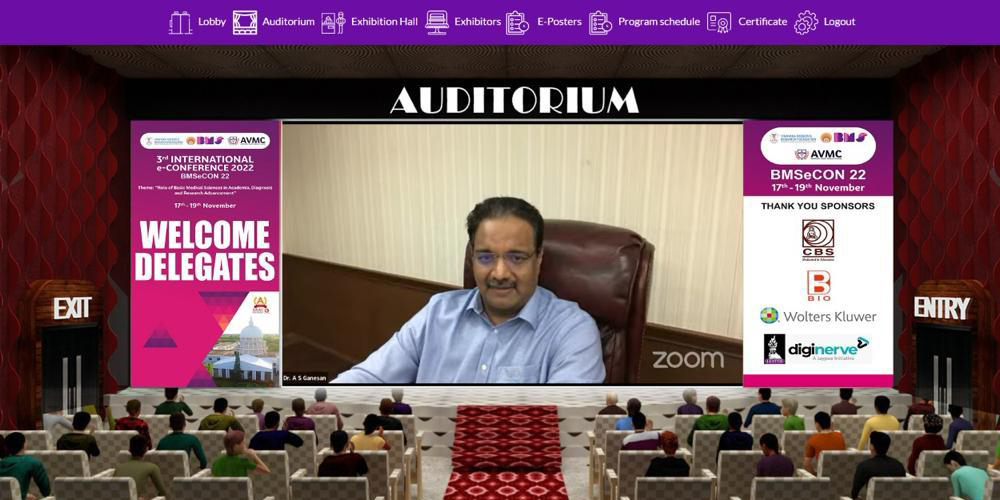
These steps outline the standard workflow for a delegate registering and gaining access to a secure Dedicated Conference Portal.
Complete the Registration Process
Filling out the online registration form. This typically involves:
Providing personal and professional details (name, organization, contact information, etc.).
Uploading required attachments such as abstract/presentation files and payment proof with Payment type details.
2. Email Verification and Payment Initiation
Upon successful form submission, the system sends a verification email to the delegate.
The delegate retrieves a One-Time Password (OTP) or verification link from the email.
The OTP or link is used to verify the delegate’s email address within the system.
3. Payment Verification and Approval (Accountant)
The accountant or administrative team receives notification of a new registration.
Payment is verified either automatically through a payment gateway or manually for bank transfers.
Once payment is confirmed, the delegate’s registration status is approved in the system.
4. Credential Issuance (System Automation)
After approval, the system automatically generates secure login credentials.
The delegate receives their username and password via the registered email address.
5. Accessing the Portal (Delegates)
The delegate logs in using the provided credentials on the secure conference login page.
Upon successful login, access is granted to the personalized dashboard.